

5 Steps to Digitize Old Photos and Finally Clear Your Closet (Easy Guide for NY Families)
![[HERO] 5 Steps to Digitize Old Photos and Finally Clear Your Closet (Easy Guide for NY Families)](https://cdn.marblism.com/XSbiy9z48gB.webp)
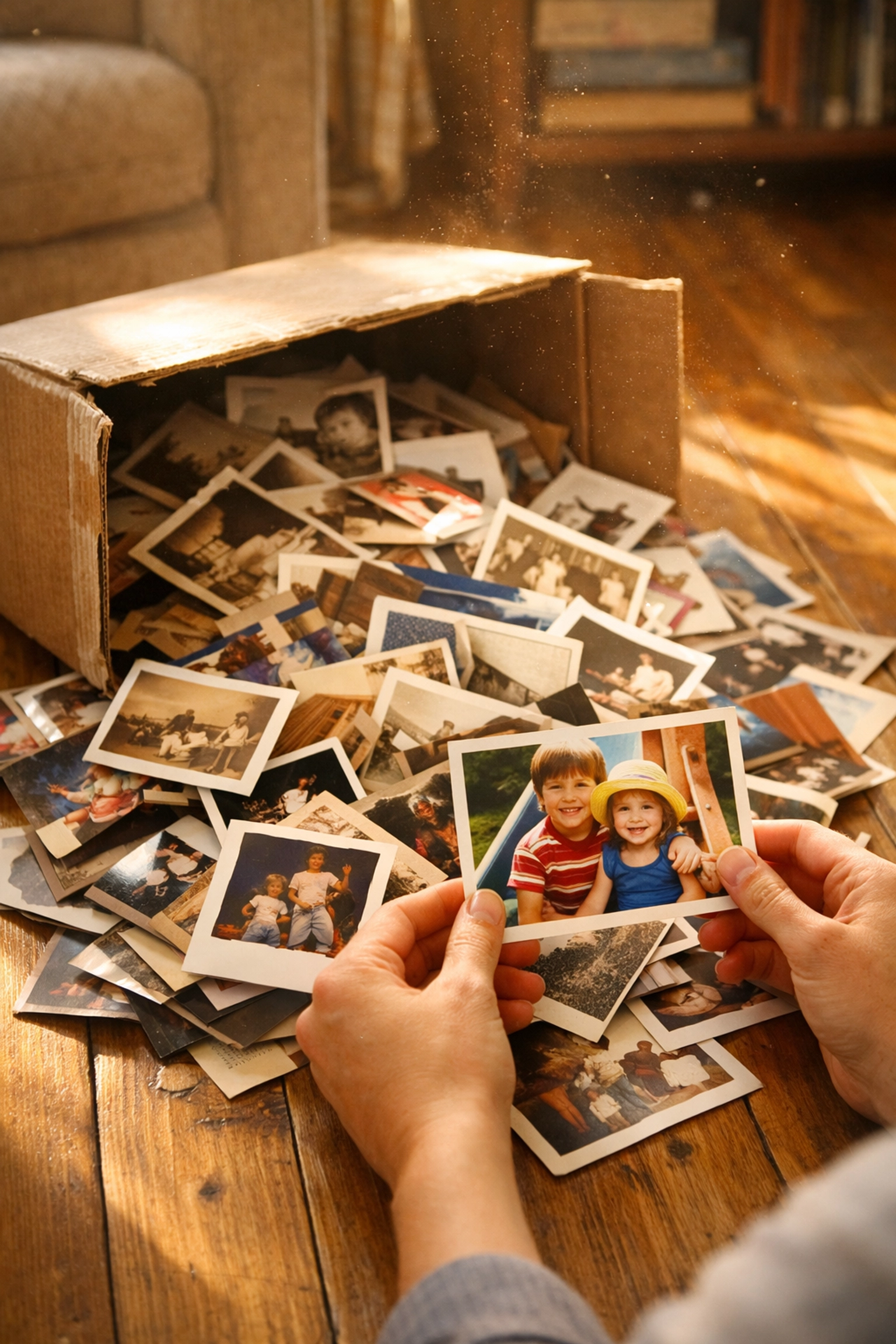
You know that box.
The one sitting in the back of your closet, behind the winter coats and the holiday decorations. It’s heavy, it’s dusty, and every time you see it, you feel a little twinge of Photo Guilt.
Inside that box isn't just paper; it’s your daughter’s first steps, your parents’ wedding day, and that one summer in Montauk where everyone stayed until the sun went down. These are your Family Heirlooms, yet they are currently trapped in "The Box of Chaos."
For busy families in New York, New Jersey, and Long Island, time is the one thing we never have enough of. You want to preserve these memories, but the thought of sitting at a scanner for forty hours feels impossible.
I’m Jerry Maurer, and at Photo Fly Memories, I believe your family history shouldn't be a source of stress. It should be a source of Photo Joy.
If you are ready to reclaim your closet and secure your legacy, here is my simple, five-step guide to help you digitize old photos and turn those dusty boxes into a digital Masterpiece.
Step 1: The Great Treasure Roundup
Before you can organize, you have to gather.
Think of this as an archaeological dig through your own history. Check the attic, the basement (carefully!), and the very back of those deep suburban closets. Bring everything into one well-lit room.
Start with the albums first.
Albums are often already in some kind of chronological order, which gives you a head start. Once you’ve gathered the loose prints, the slides, and the old Polaroids, give yourself permission to breathe. You’ve already done more than most people ever do.
As you sort, don't get bogged down in the details yet. Just group them by "vibe" or decade. Use sticky notes to mark "The 80s," "The Kids," or "Grandma’s House."
This is the first step in Printed Photo Organization. You aren't just moving paper; you are identifying the milestones of your life.
Step 2: Polishing the Treasure
You wouldn't put a diamond in a display case without cleaning it first, right? Your photos deserve the same treatment.
Old photos attract dust, skin oils, and sometimes a little bit of mystery residue from thirty years ago. Before you digitize old photos, they need a gentle touch.
- Handle by the edges: Your fingers have oils that can damage delicate emulsions over time.
- Use a soft touch: A lint-free microfiber cloth or a specialized photo-safe brush is your best friend here.
- The "Flattening" Phase: If you have photos that have curled up from being stored in a damp NJ basement, don't force them flat. You can carefully place them under a heavy, clean book for a few days to help them relax.
Cleaning is a meditative process. It’s a moment to reconnect with the faces in the photos before they transition into the digital world.
Step 3: Choosing Your Strategy (DIY vs. The Expert Partner)
This is the fork in the road. You have to decide: do you want a new hobby, or do you want the job done?
The DIY Path: If you have a high-quality flatbed scanner and a lot of rainy weekends, you can do this yourself. You’ll need to set your scanner to at least 300 DPI (600 DPI is better for those tiny 2x3 prints) and save them as high-quality JPEGs or TIFF files. It is rewarding work, but it is The Heavy Lifting of photo preservation.
The Expert Strategist Path: Most of my clients in the NY area are balancing careers, kids’ sports, and social lives. They don't have 100 hours to spare. This is where Photo Scanning Services NY come into play.
By partnering with a professional, you aren't just "outsourcing" a task; you are investing in a Technical Masterpiece. We use pro-grade equipment that captures details a home scanner might miss: the texture of a dress, the sparkle in an eye, the true colors of a sunset.
If you’re feeling overwhelmed by the technical side, you can explore our Services to see how we handle the workflow for you.
Step 4: Capturing the Essence
If you are scanning at home, this is where the magic happens.
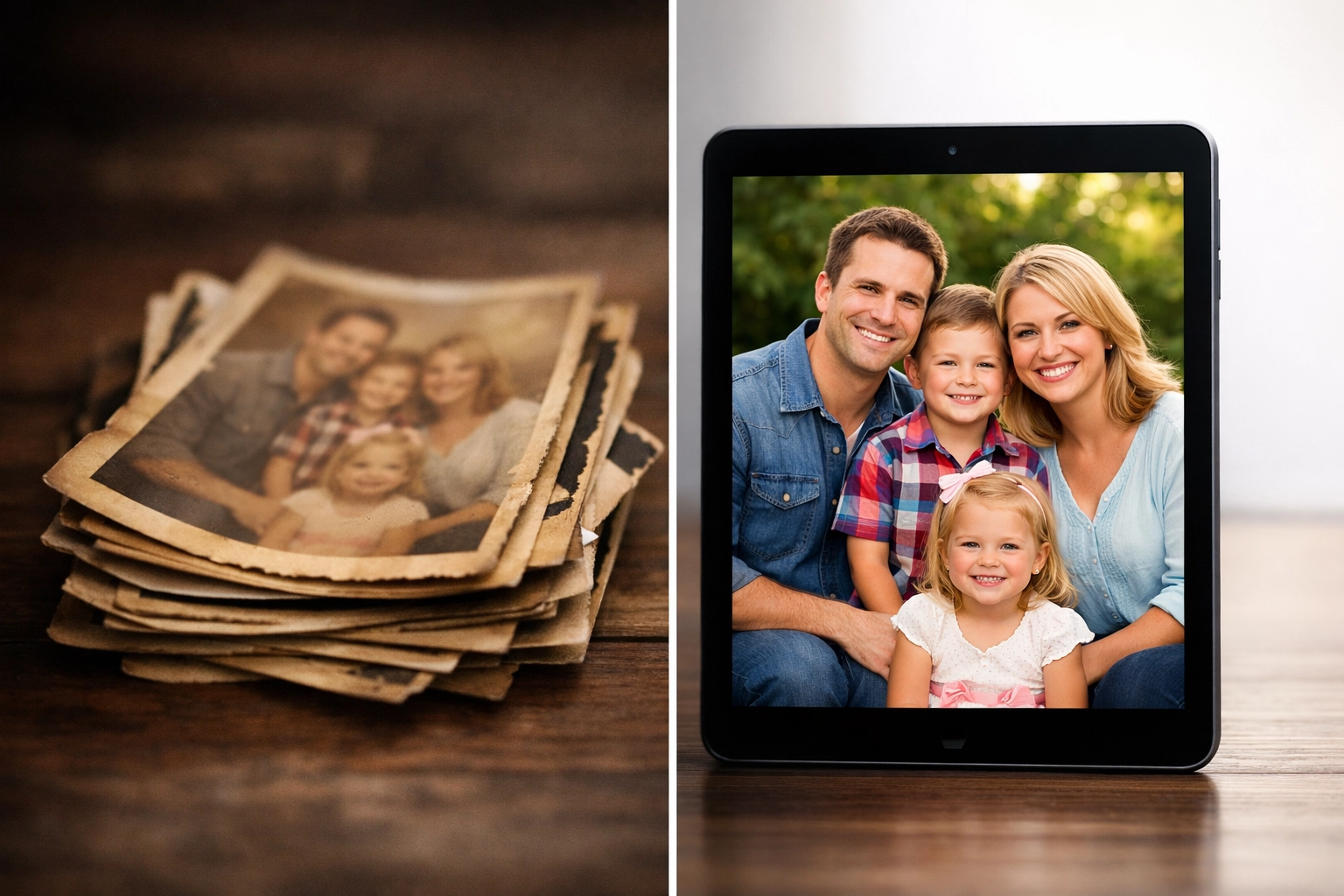
When you digitize old photos, you are creating a digital twin of a physical object. The settings matter.
- Color is King: Even for black and white photos, scan in color. Why? It captures the full tonal range and allows for better restoration later if the photo has yellowed or faded.
- Resolution: Don't settle for "good enough." You want these files to be high-resolution so that if you ever want to blow one up for a 50th-anniversary party, it won't look like a collection of blurry squares.
- Alignment: It takes extra time, but making sure every photo is straight on the glass saves hours of editing later.
At Photo Fly Memories, we treat every scan as a "Legacy-First" project. We don't just "run them through"; we ensure the digital version honors the original.
Step 5: The Harmony System – Organization and Backup
A digital file you can’t find is just as lost as a physical photo in a shoebox.
Once the scanning is done, you need The Harmony System. This is the process of naming and tagging your files so they are searchable.
Imagine typing "1994 Christmas" into your computer and seeing every photo appear instantly. That is the payoff.
- Searchable Names: Instead of "IMG_001.jpg," use "1994-12-25-Christmas-Grandmas-House.jpg."
- Metadata: Adding tags for people and locations means your computer "knows" who is in the photo.
- The Rule of Three: Never keep your memories in only one place. I recommend the "3-2-1" rule: Three copies, on two different types of media (like a hard drive and a cloud service), with one copy stored "off-site" (the cloud counts!).
Cloud-based storage ensures that even if a pipe bursts in your Long Island home, your family history is safe and sound in the digital ether.

Why This Matters Right Now
Time is a finite resource.
Every year that those photos sit in a humid closet or a dry attic, they degrade just a little bit more. The colors fade. The paper becomes brittle. The "Someday" project becomes a race against time.
"I believe every family deserves to have their history at their fingertips, not buried under a pile of coats." : Jerry Maurer
When you finally clear that closet, something amazing happens. The "Photo Guilt" disappears. It’s replaced by a sense of light and connection. You can finally share that photo of your dad as a teenager with your own son via a quick text message. You can create a digital slideshow for a milestone birthday. You can turn "boxes of chaos" into "Photo Joy."
Stop the Guilt and Invest in an Expert
You don’t have to do this alone.
At Photo Fly Memories, we are your partners in preserving life’s most beautiful moments. We serve the tri-state area with a personal touch that big-box mail-in services simply can't match. We treat your photos like the treasures they are.
If you’re ready to reclaim your space and protect your legacy, let’s talk. You can Schedule Your Free Consultation today, and we can put together a strategy that fits your family’s needs.
Stop worrying about the box in the back of the closet. Let’s turn those memories into a Masterpiece together.

Want to learn more about the man behind the mission? Meet Jerry, your partner in preserving life’s most beautiful moments.
Ready to see how we can transform your collection? Check out our Testimonials to see how we’ve helped other NY families find their Photo Joy.
Add comment
Comments